
Ursprünglich veröffentlicht auf LinkedIn am 2020-05-27.
Diese Tage war ich im Urlaub und bereite mich auf meinen neuen Job vor, den ich bald beginnen werde. Ein Freund von mir bat mich um etwas Hilfe mit seinen Mapserver-RPM-Paketen, weil er eine spezielle Kombination aus Mapserver 7.4.4, PHP 7.4 und PostgreSQL 12 auf CentOS 7 und CentOS 8 benötigte.
Packer, Terraform, KVM Ansible-Lösung:#
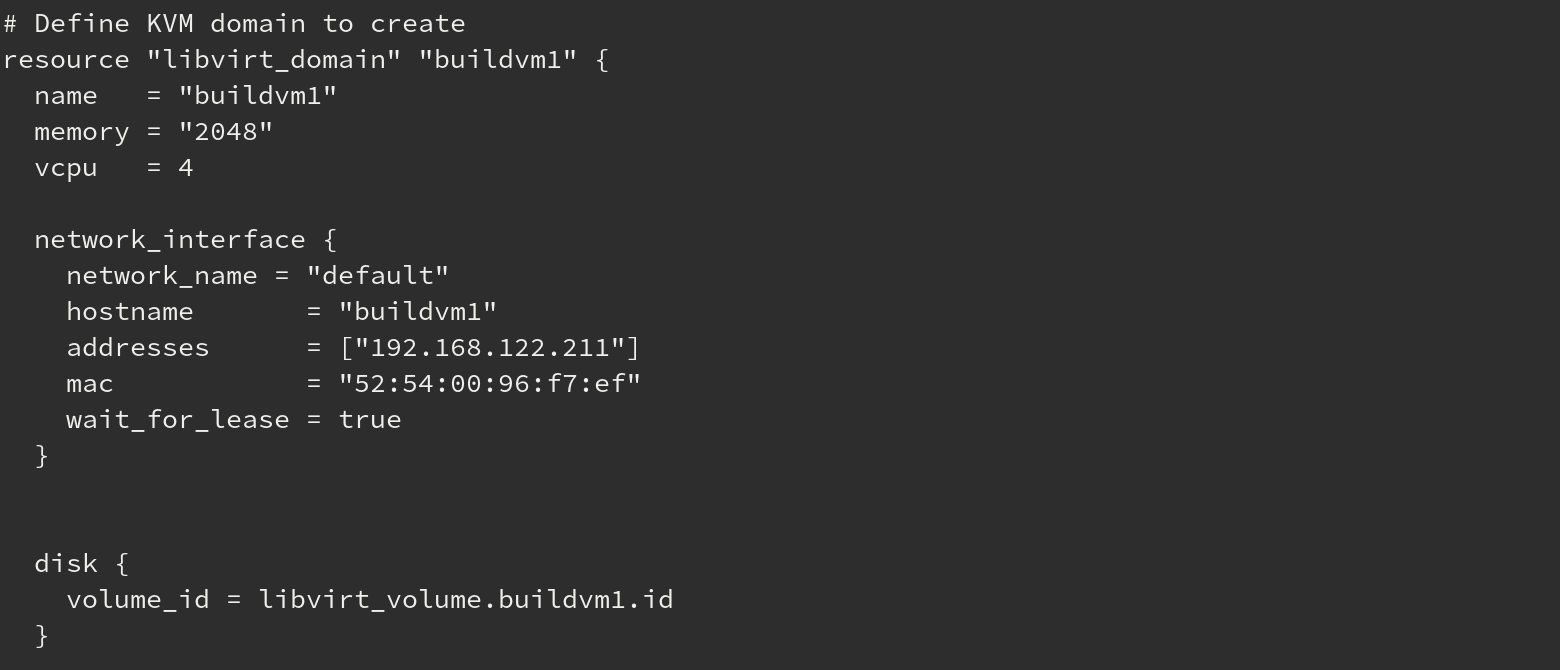
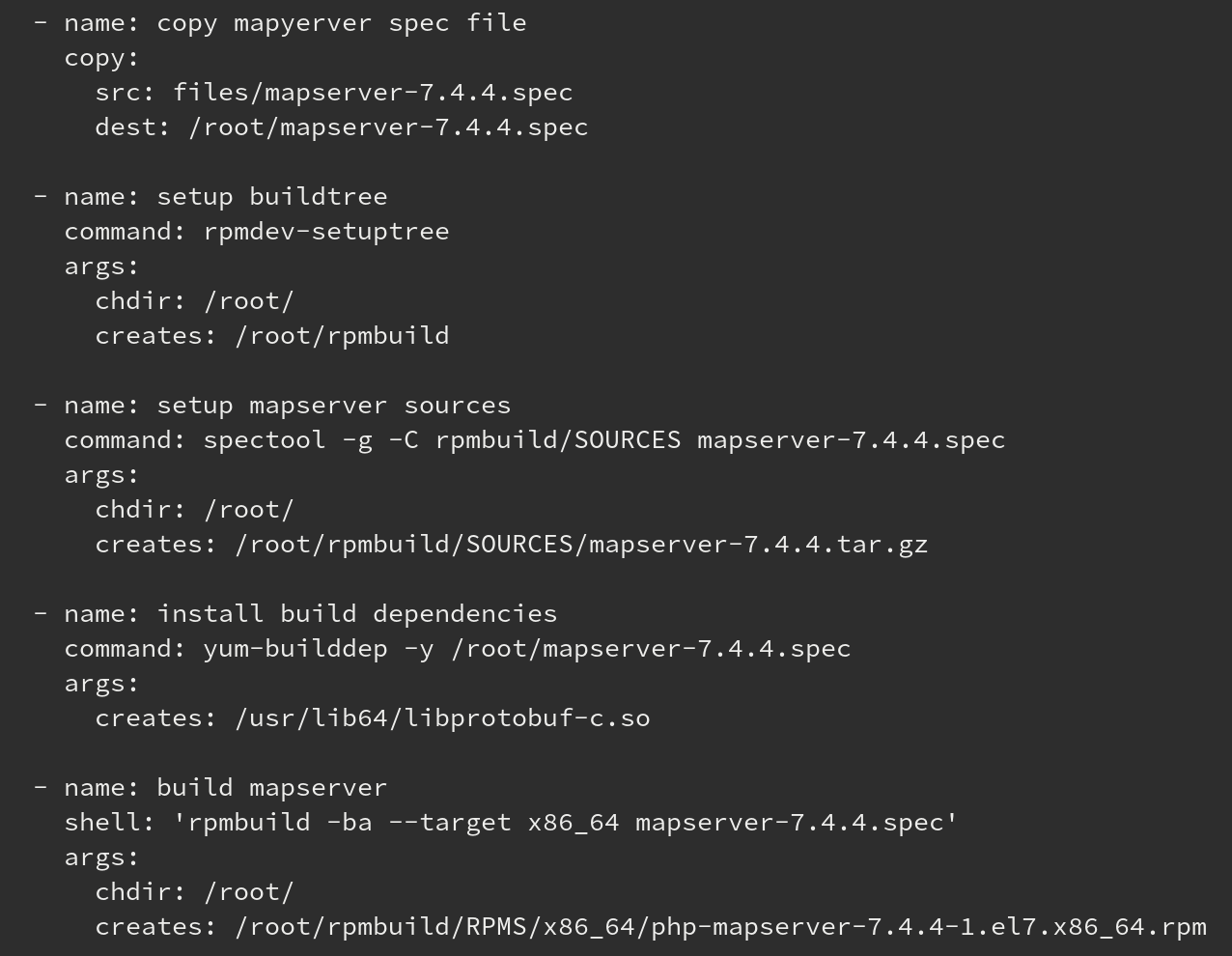
Da ich in der Vergangenheit mit einigen HashiCorp-Produkten gearbeitet habe, habe ich versucht, etwas Lokales auf meinem Arbeitsplatzrechner auf Basis von KVM zusammen mit Packer, Terraform-CLI, Terraform-Libvirt und Ansible zu erstellen. Schön, damit zu spielen und Mapserver kennenzulernen und zu kompilieren. Aber das ist viel zu kompliziert.
Podman-Container-Lösung:#
Ja, ich werde alt, aber ich mag es, neues Zeug auszuprobieren. Also war ich daran interessiert, Podman auf meiner Fedora-Workstation zu verwenden. Wow, sehr einfach zu bedienen, einfach die Dockerfile erstellen und es hat funktioniert!
Viel einfacher, aber um die Build-Umgebung vorzubereiten, konnte ich keinen CentOS7/8-Basiscontainer verwenden. Es gibt viele Dinge, die im Container als Build-Anforderungen installiert werden müssen. Ich würde nicht gerne jedes Mal, wenn ich einen Mapserver-Build auslöse, das Image neu erstellen. Um dies zu lösen, habe ich die Build-Container mit Podman auf meiner lokalen Fedora-Workstation erstellt.
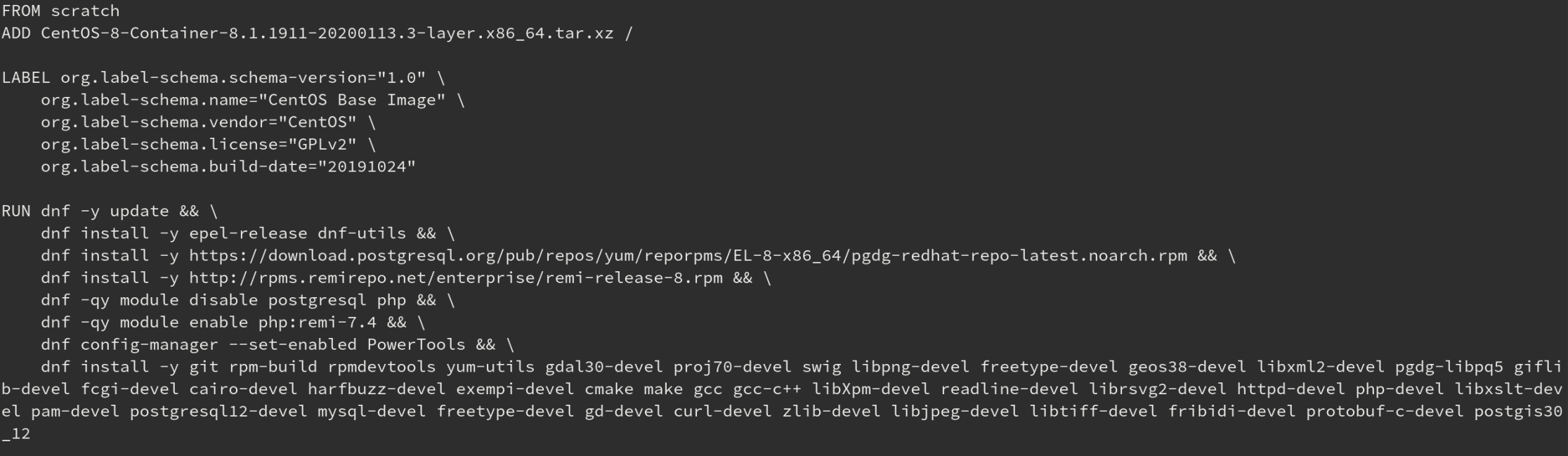
Dann habe ich dieses Container-Image für den Mapserver-Build verwendet. So wird nur der Build selbst ausgelöst, wenn der Container startet.
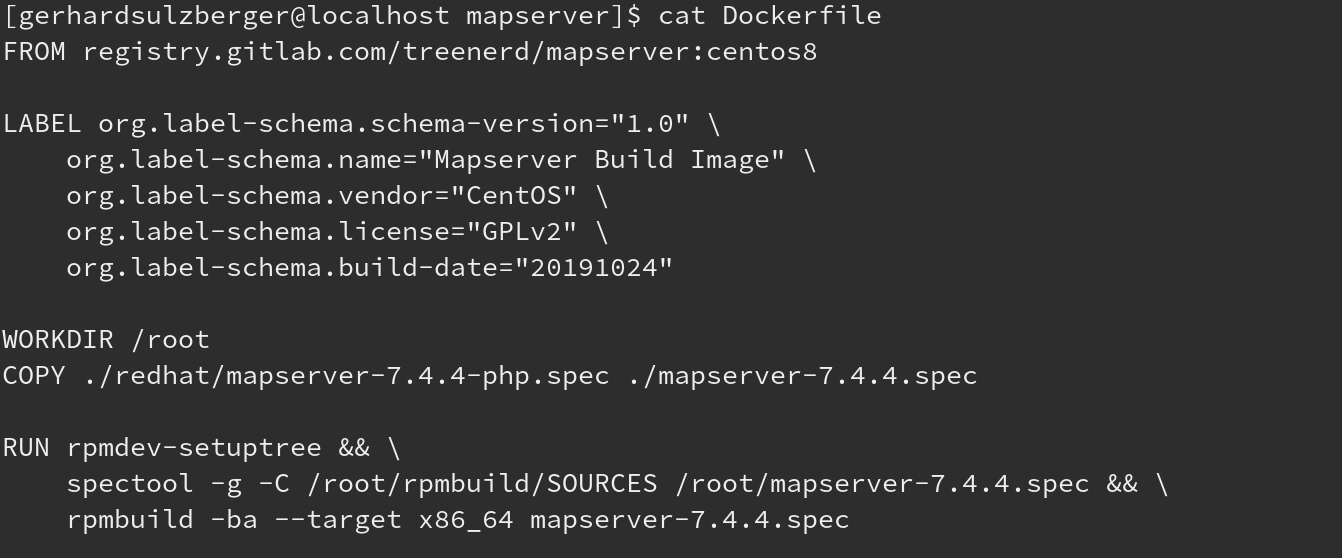
Schön, aber nicht perfekt.
Build-Pipelines:#
GitLab#
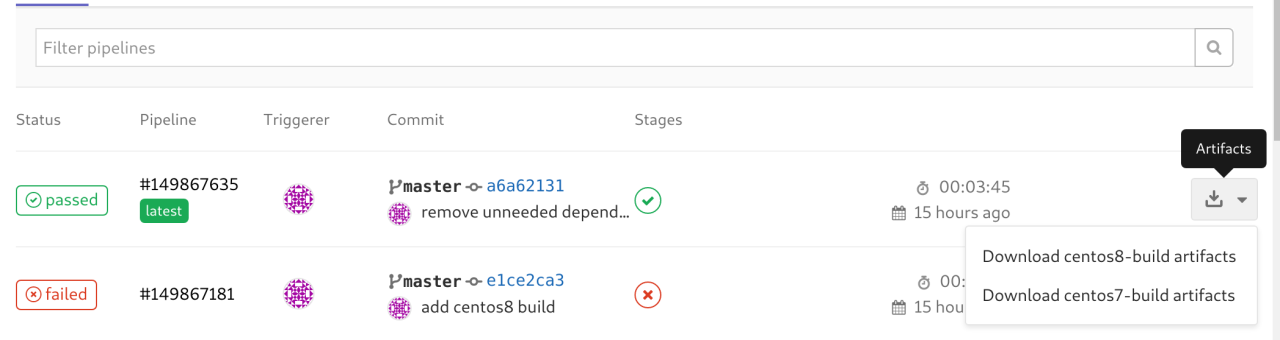
Also machen wir ein bisschen GitOps. Implementieren wir dies in einer GitLab CI/CD-Pipeline. Jason Tevnan, ein Freund von mir, hat viel mit Pipelines gearbeitet, also habe ich ihn um einige Hinweise gebeten. Ich wusste, dass es in GitLab Build-Pipeline-Funktionen gibt. Und es gibt auch ein integriertes Container-Registry. Ich habe die vorbereiteten Container in das Container-Registry des GitLab-Projekts hochgeladen. Dann ist es nicht mehr so aufwendig, die CI-Pipeline zu erstellen. Nur eine Spec-Datei und etwas gitlab-ci.yml-Magie, und ich konnte die Artefakte herunterladen.
stages:
  - source
  - build
  - test
  - deploy

.build_template: &rpm_build_definition
    stage: build
    script:
        - mkdir -p rpmbuild/{BUILD,RPMS,SOURCES,SPECS,SRPMS}
        - spectool -g -C rpmbuild/SOURCES "`pwd`/redhat/mapserver-7.4.4.spec"
        - rpmbuild -D "_topdir `pwd`/rpmbuild" --clean --target x86_64 -ba "`pwd`/redhat/mapserver-7.4.4.spec"
    artifacts:
        expire_in: 1 day
        paths:
            - rpmbuild/SRPMS/mapserver-*.rpm
            - rpmbuild/RPMS/x86_64/mapserver-*.x86_64.rpm
            - rpmbuild/RPMS/x86_64/php-*.x86_64.rpm

centos7-build:
    <<: *rpm_build_definition
    tags:
        - linux
    image: "registry.gitlab.com/treenerd/mapserver:centos7"

centos8-build:
    <<: *rpm_build_definition
    tags:
        - linux
    image: "registry.gitlab.com/treenerd/mapserver:centos8"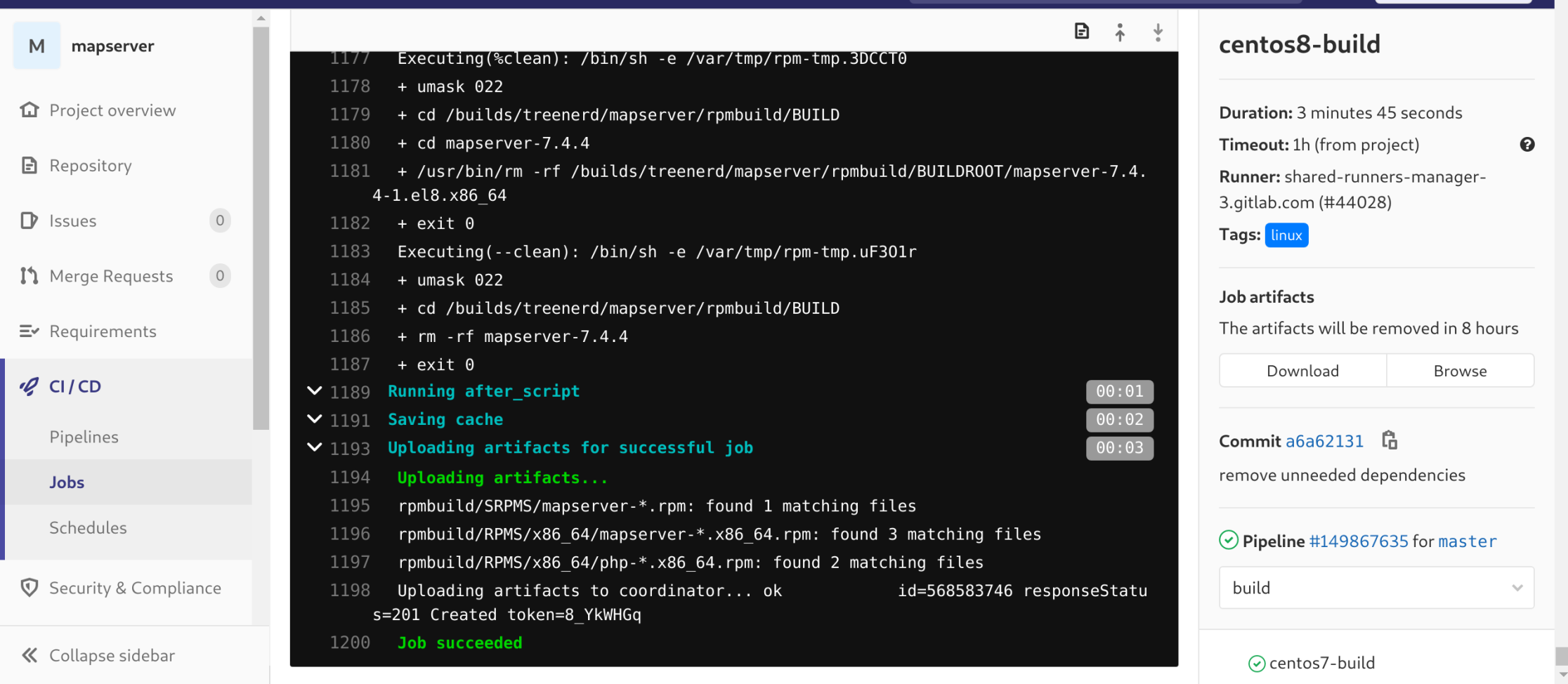
Es ist noch nicht fertig und es gibt noch viel zu verbessern, aber es ist ein Startpunkt.
Bitbucket#
Ich wurde gefragt, ob ich das auch mit Bitbucket machen kann. Ich habe nicht so viel mit Bitbucket gearbeitet, aber die Dokumentation hat mir gesagt, dass es möglich sein sollte. Das Einzige, was mir gefehlt hat, war das Build-in Container-Registry wie bei GitLab. Aber hey, lassen Sie uns das Container-Registry meines GitLab-Projekts verwenden… Nach etwas bitbucket-pipeline.yml-Magie wurden die RPM-Pakete auch dort erstellt.
image: registry.gitlab.com/treenerd/mapserver:centos7

pipelines:
  default:
    - step:
        script:
          - echo "Everything is awesome!"
          - pwd
          - ls -lah
          - whoami
          - mkdir -p rpmbuild/{BUILD,RPMS,SOURCES,SPECS,SRPMS}
          - spectool -g -C "`pwd`/rpmbuild/SOURCES" "`pwd`/redhat/php-mapserver-7.4.4.spec"
          - rpmbuild -D "_topdir `pwd`/rpmbuild" --clean --target x86_64 -ba "`pwd`/redhat/php-mapserver-7.4.4.spec"
        artifacts:
          - rpmbuild/SRPMS/mapserver-*.rpm
          - rpmbuild/RPMS/x86_64/mapserver-*.x86_64.rpm
          - rpmbuild/RPMS/x86_64/php-*.x86_64.rpm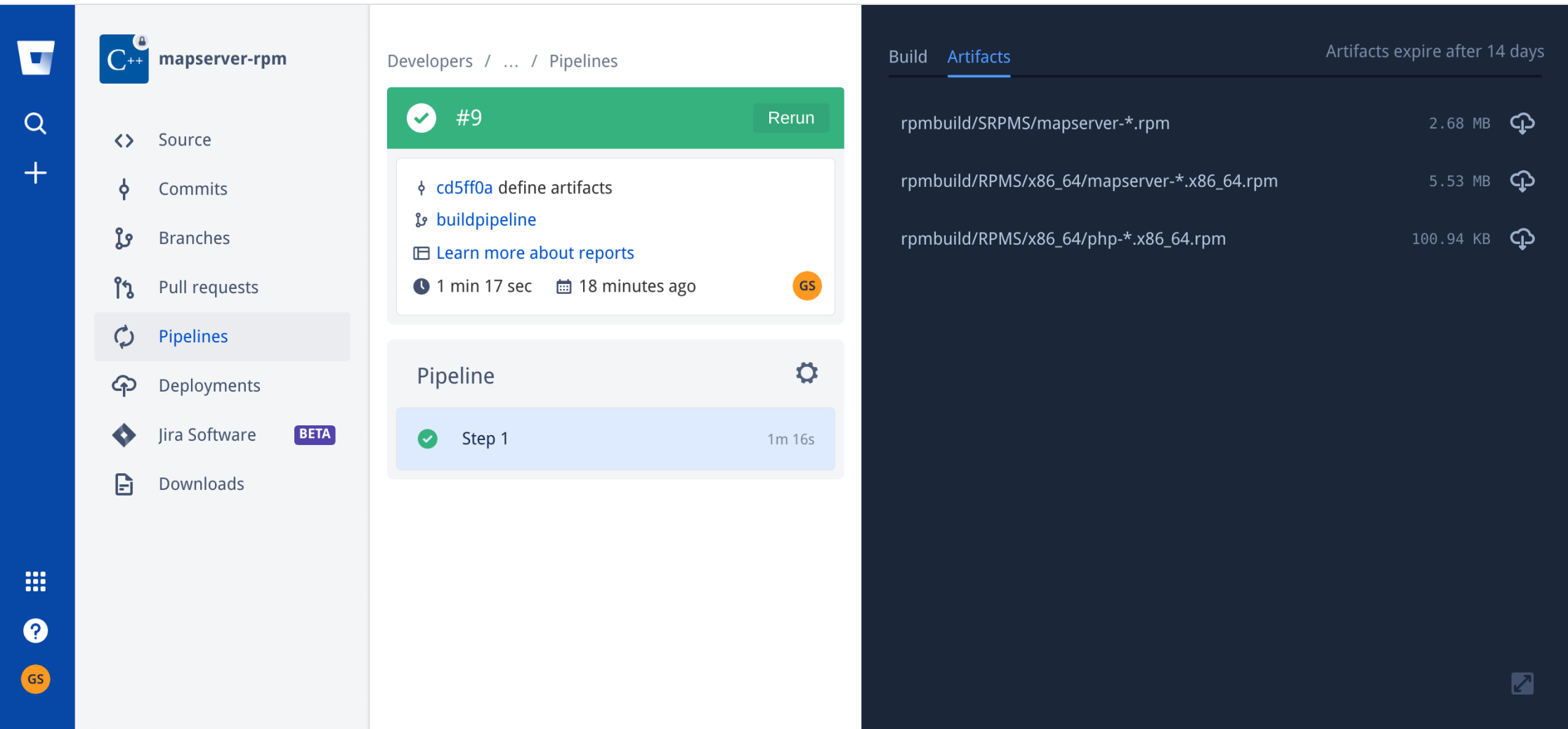
Zusammenfassung#
Seien Sie immer offen für neue Lösungen. Es gibt einen Grund, warum sie existieren. Probieren Sie sie aus, nutzen Sie sie und fragen Sie Leute, Freunde, was sie von dem halten, was Sie erstellen.
Danke für Ihre Hilfe und auch für Ihre Fragen!